Skip to content
All work

Game Review

I helped redesign Chess.com’s most popular feature to engage new players and make learning from your blunders a more delightful experience.

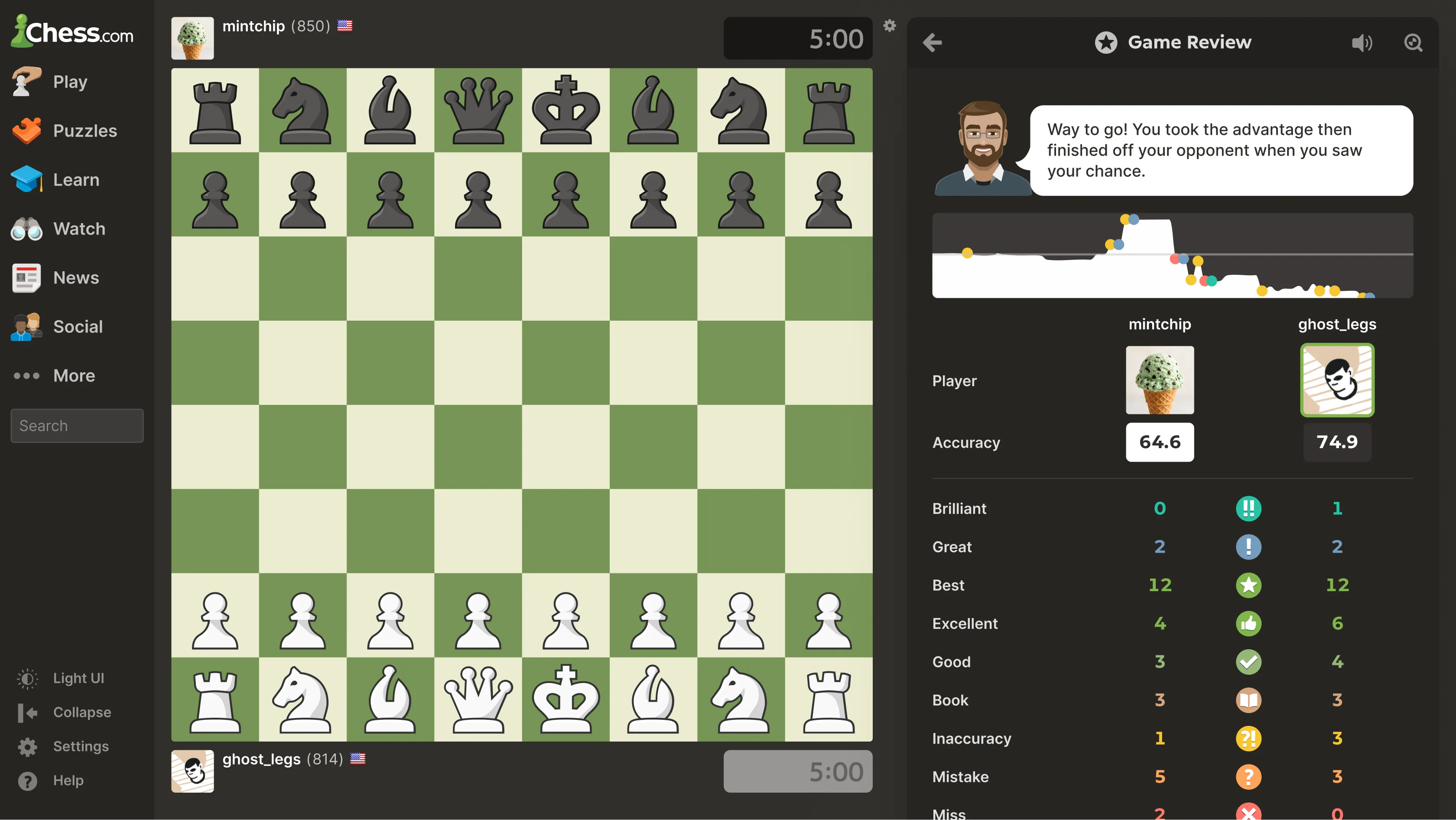
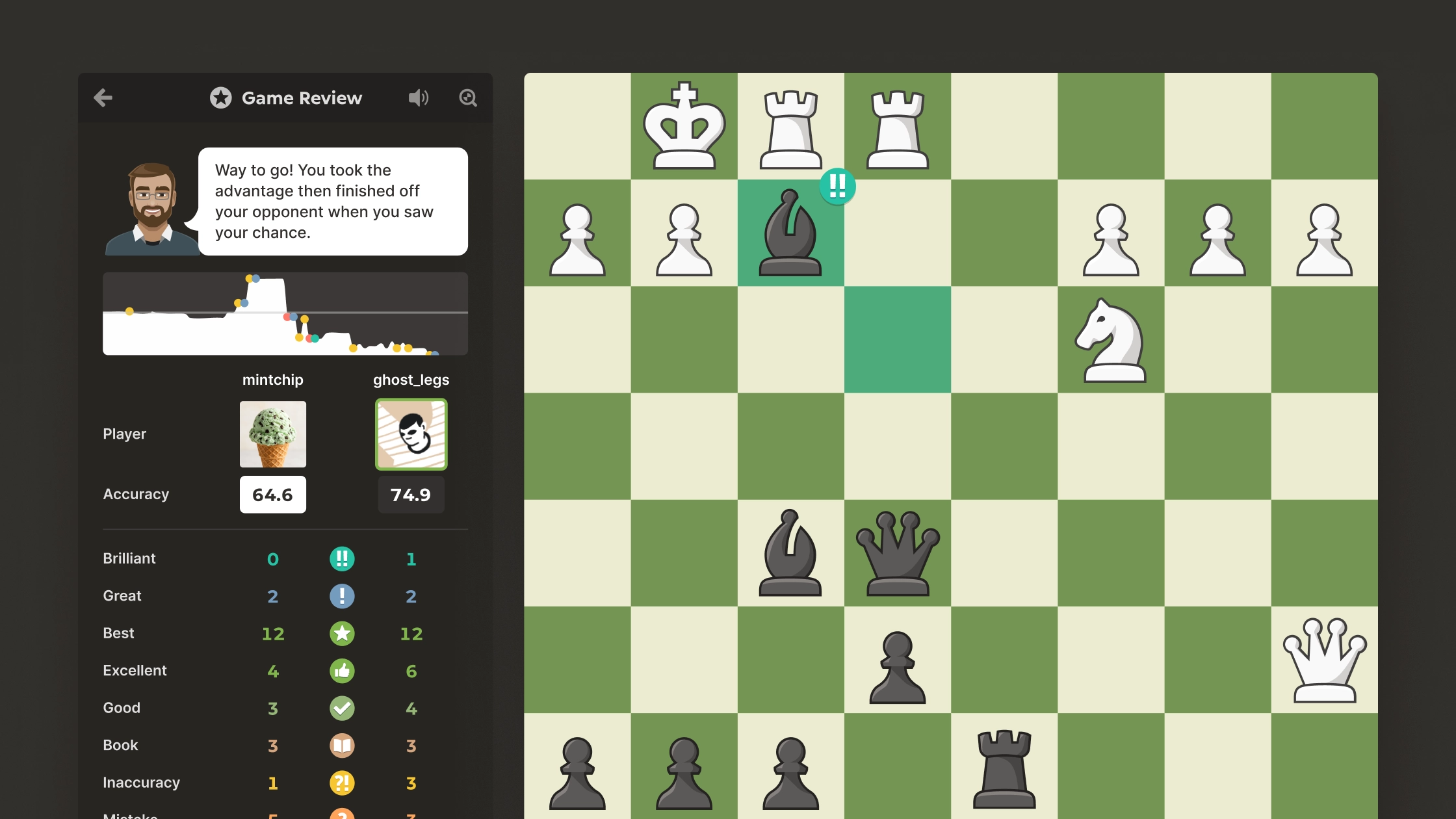
Web user interface redesign for Chess.com's Game Review feature next to a board that highlights a brilliant move

Overview

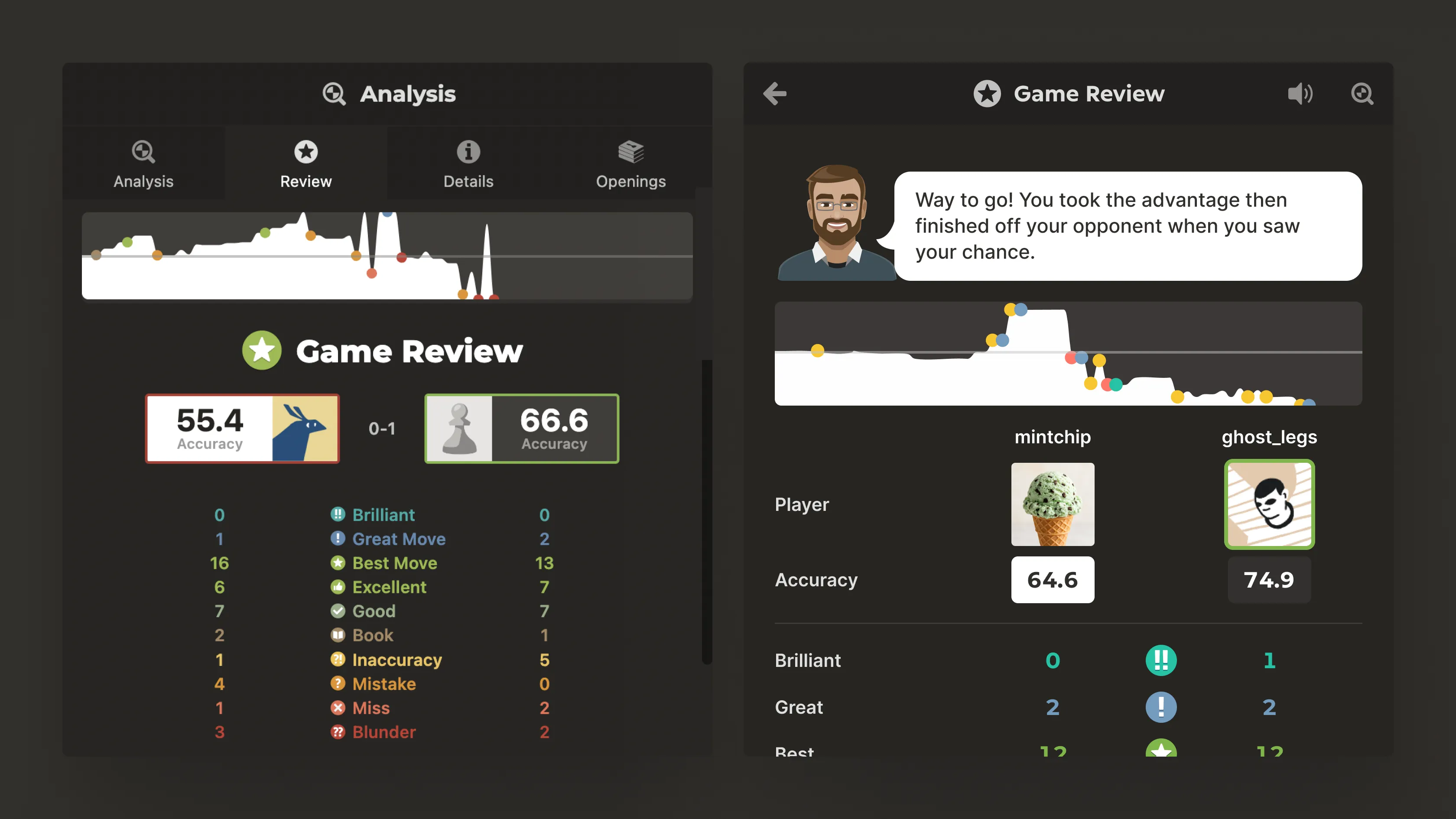
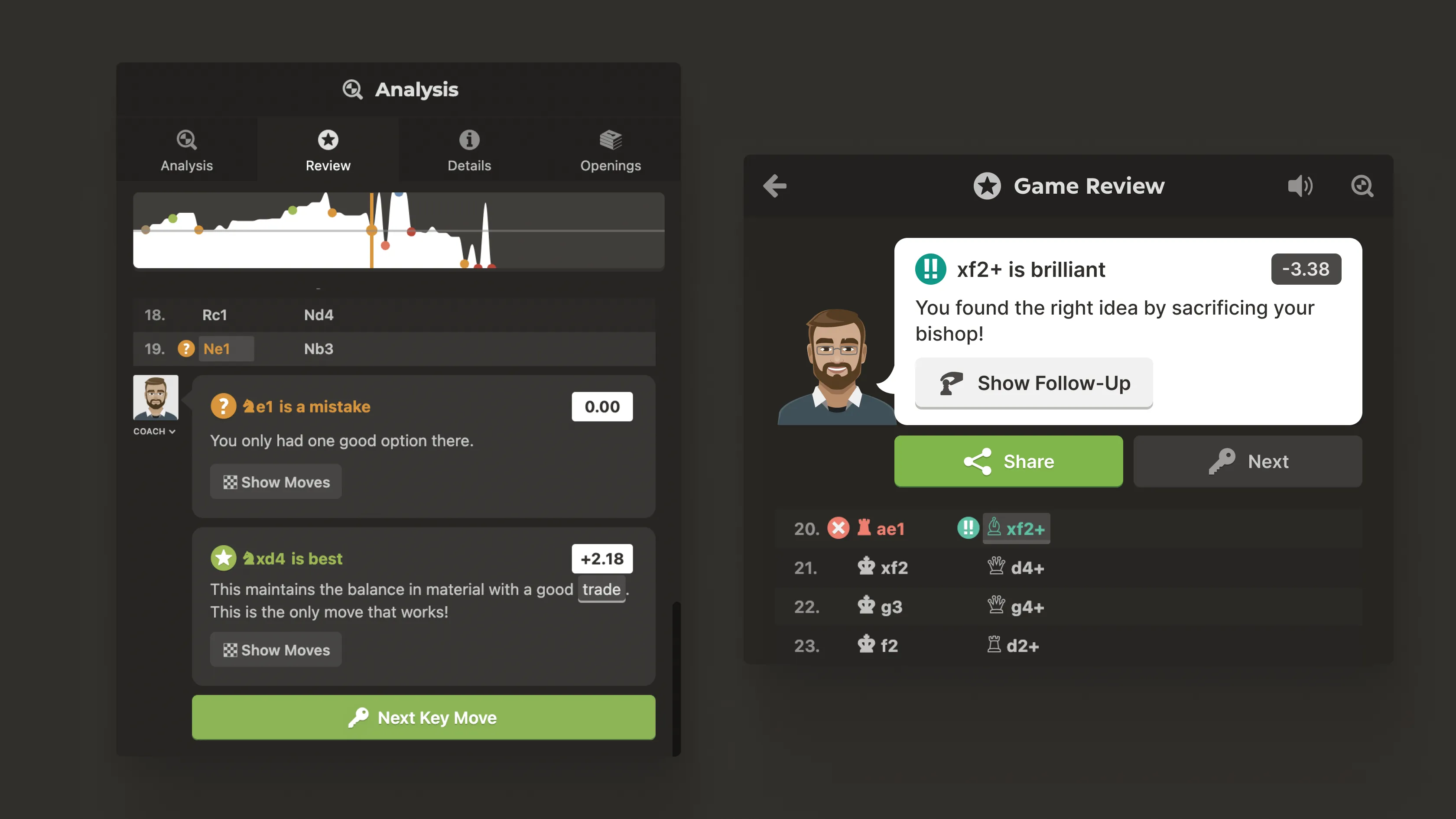
I led the redesign of Chess.com’s popular analysis feature: Game Review. Prior to the update, Game Review lived within Analysis (left), a feature used mostly by power users with a complex and intimidating UI.

We had a few key goals in mind to make Game Review an enjoyable experience for users of all skills:

  • Make analyzing your game a fun experience from the first click through to checkmate, regardless of outcome
  • Highlight great moves and make mistakes feel like learning opportunities
  • Make Coach an encouraging guide, rooting for you at every move
  • Reduce complexity, remove any UI clutter

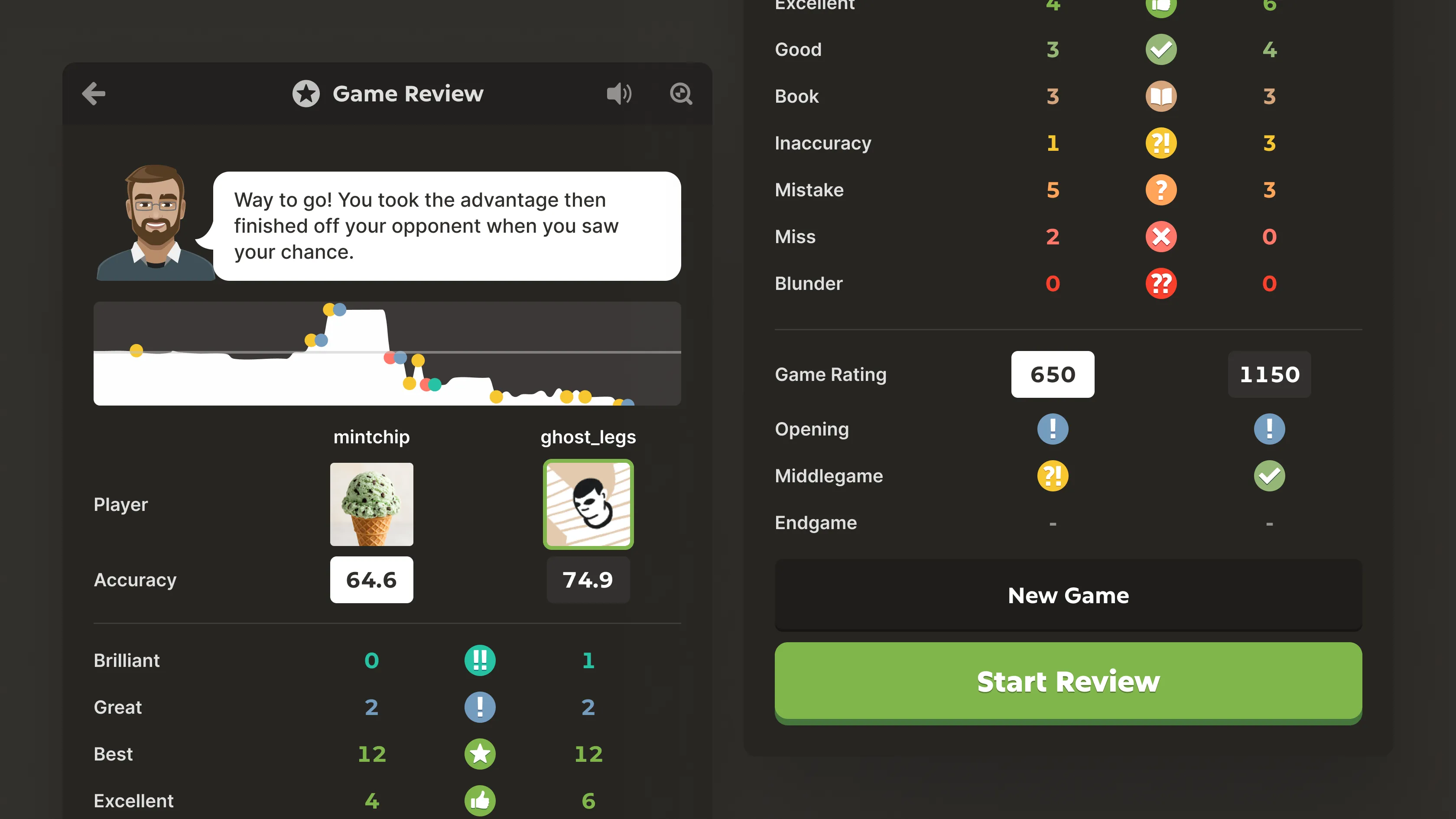
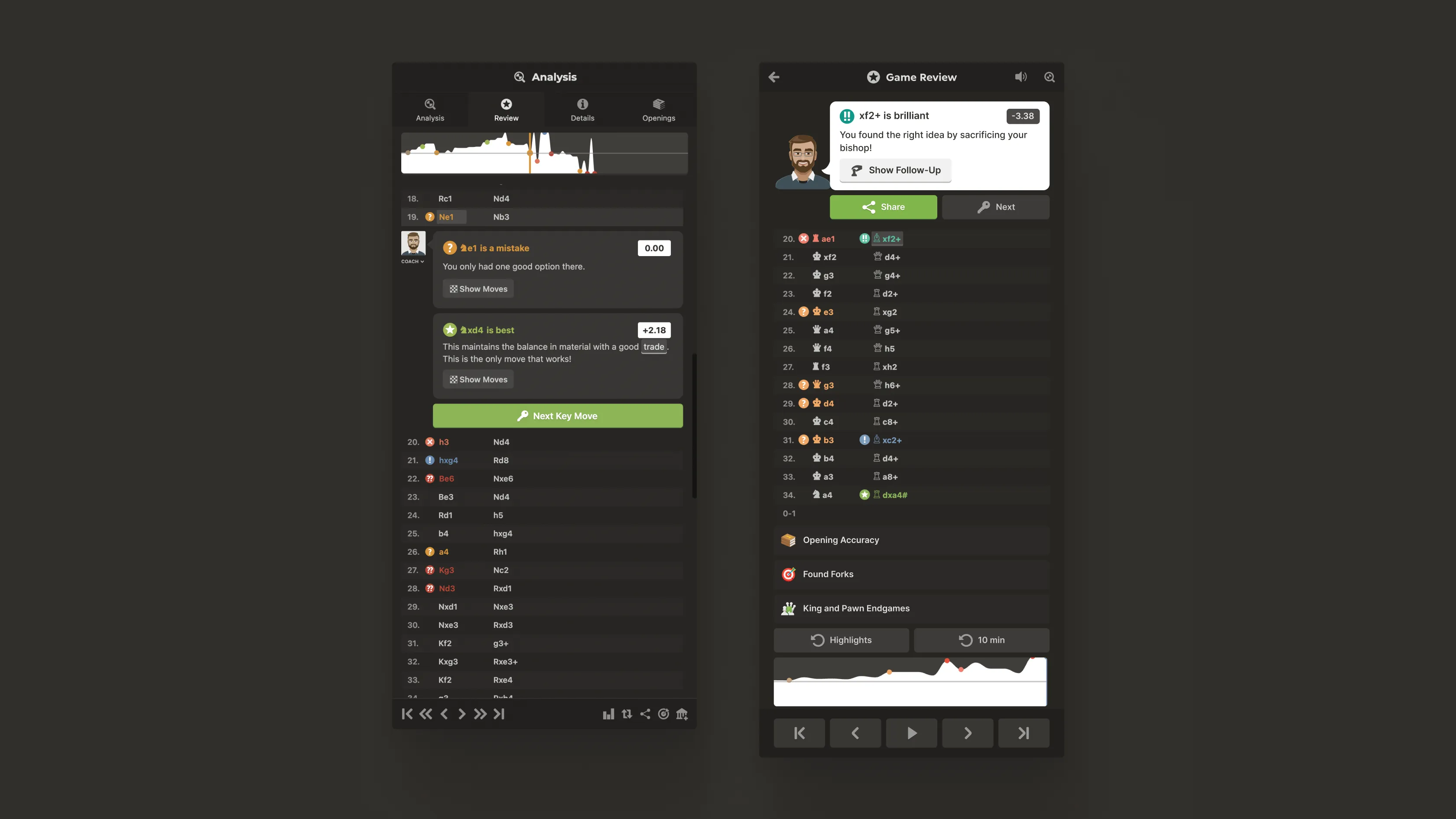
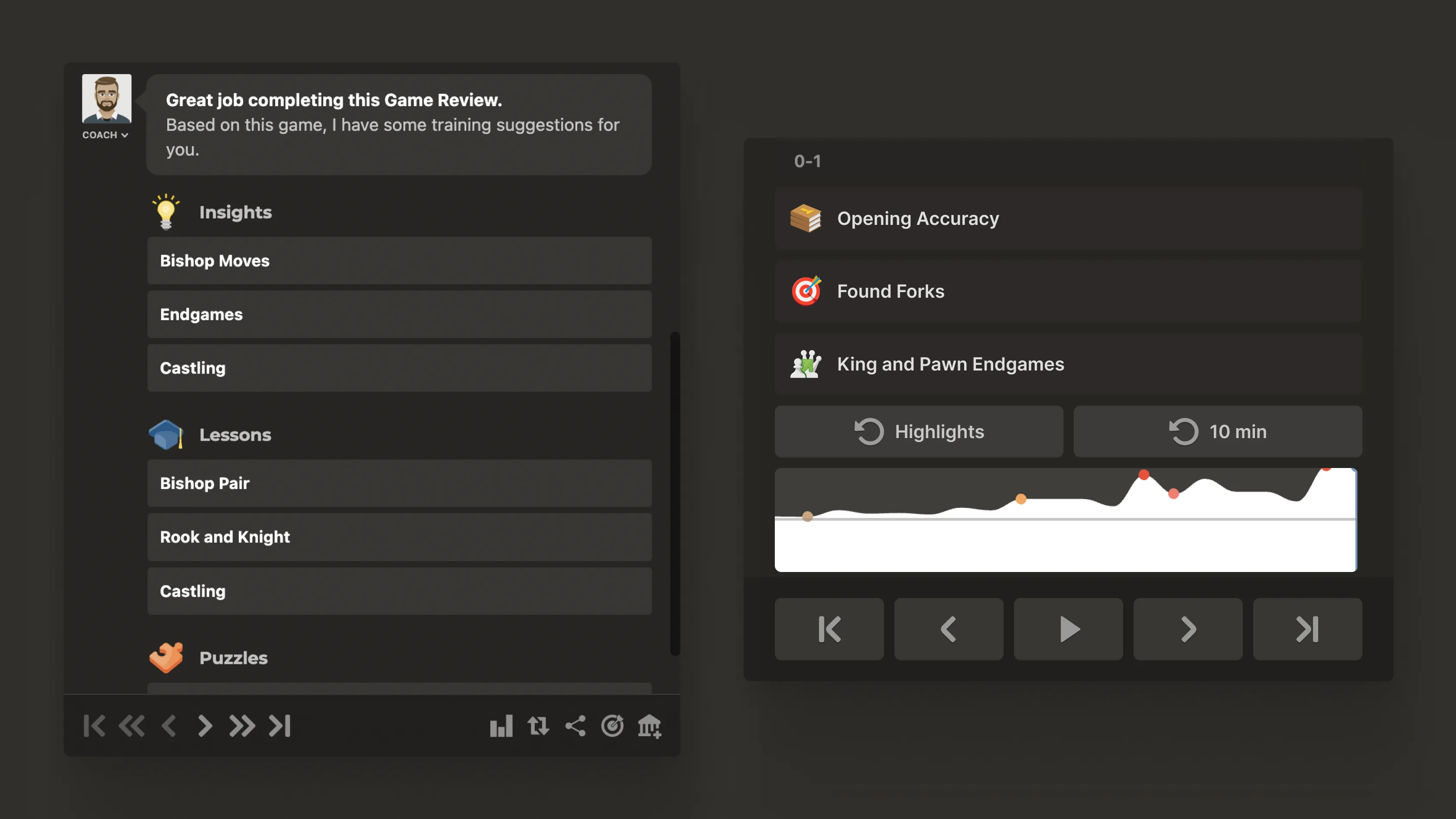
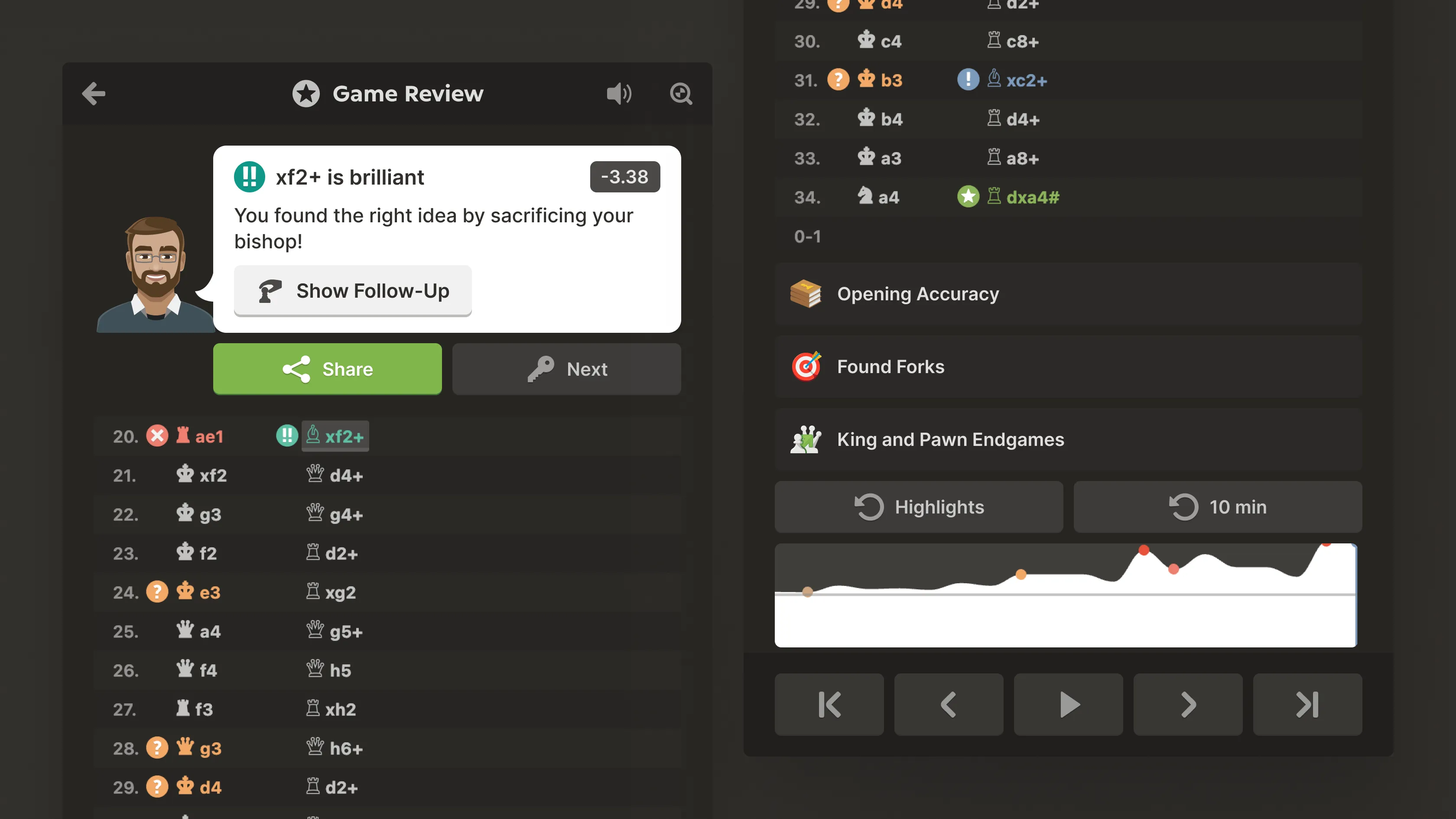
Two mobile Game Review screens side by side: the Review summary listing both players' accuracy scores and a move-quality breakdown with a Start Review button, and the post-review results screen with coach feedback, an accuracy graph, and per-player move counts. The Game Review summary and results screens side by side: the accuracy scorecard showing each player's move-quality counts, and the results screen with coach feedback, an accuracy graph, and player breakdown. Close-up of the mobile Game Review results screen showing the coach's congratulatory message, the accuracy graph, both players' move-quality breakdown, game ratings, and the Start Review button. The Game Review results panel docked beside the board in the full Chess.com desktop interface, with the left navigation sidebar, a green chessboard in its starting position, and player names and clocks. Two mobile Game Review screens: the move-by-move review with inline coach explanations of a mistake and the best move, and the annotated move list highlighting a brilliant move with Share and Next actions plus training-topic links. Close-up of the Game Review coaching cards explaining why a move was a mistake and which move was best, alongside a brilliant-move callout with follow-up, share, and next-move actions. The Game Review wrap-up screens: a coach summary offering personalized training suggestions grouped into Insights, Lessons, and Puzzles, and the training-topics panel with an accuracy graph and playback controls. Close-up of the annotated Game Review move list with a highlighted brilliant move, share and next actions, training-topic links, an accuracy graph, and move-playback controls.

Teammates

Claudia Escalona, Dallin Atkinson, Dylan Rittman, Tyler Shwed